


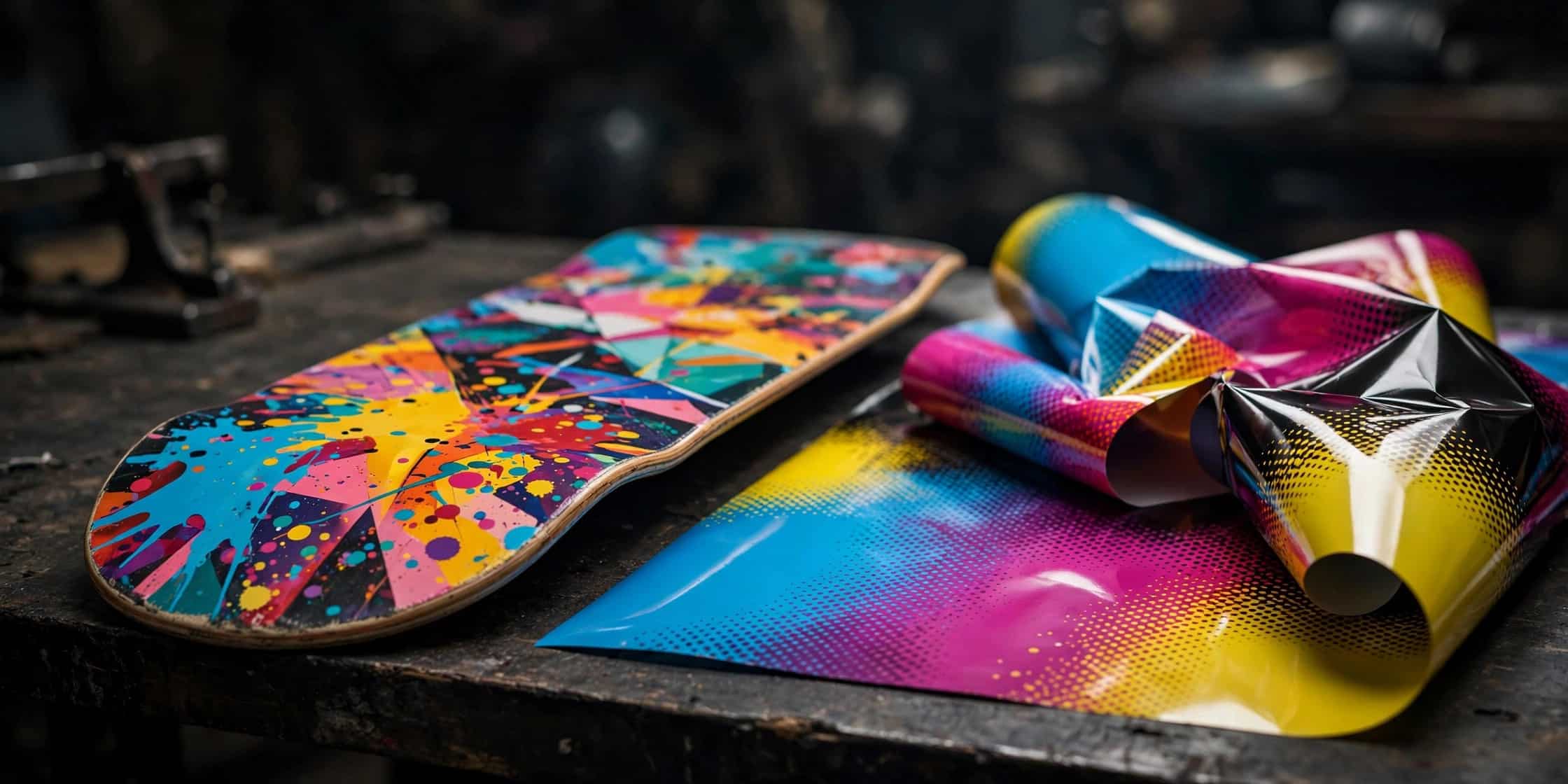
Most heat transfer problems come down to three variables: heat, pressure, and prep. If your graphic is peeling, bubbling, or looking dull, work through the fixes below before reprinting — nine times out of ten, it’s the press settings, not the film.
First time pressing? Read our step-by-step heat press guide first, then come back here if something goes wrong.
1. Graphic Is Peeling or Lifting
Cause: Not enough heat, pressure, or dwell time — the ink never fully bonded to the wood.
Fix: Re-press the deck at around 200°C (400°F) with firmer, even pressure. Make sure the press closes flat across the whole deck; concave areas near the kicks need full contact. If only edges lift, your pressure is uneven — rotate the deck 180° and press again.
2. Colors Look Faded or Dull
Cause: Almost always the artwork file, not the press. Low-resolution images print washed out.
Fix: Reprint from a 300 dpi PNG or PDF at actual size (9″ × 33″ for standard decks) with 0.25″ bleed. Check our artwork specs before uploading. If the file was fine, you may have over-pressed — too much heat can dull inks.
3. Bubbles or Wrinkles Under the Graphic
Cause: Moisture trapped in the deck, dust under the film, or the film shifting mid-press.
Fix: Small bubbles can sometimes be re-pressed flat. For the next deck: wipe the surface clean, make sure the deck is fully dry, and tape the film’s corners with heat-resistant tape before closing the press.
4. Graphic Cracking After Skating
Cause: Some cracking is normal — real wear transfers are designed to wear like pro deck graphics. Excessive cracking right away points to over-pressing (brittle ink layer) or pressing onto an incompatible finish.
Fix: Dial back temperature or dwell time slightly and test again. If the deck has a glossy/sealed finish, scuff-sand it lightly so the transfer has something to grip.
5. Edges Won’t Stick Down
Cause: Uneven pressure — the center gets full force while the rails and kicks don’t.
Fix: Check that your press platen is larger than the deck and closes evenly. Increase overall pressure, and try the rotate-and-press-twice method: press once, rotate the deck 180°, press again.
6. Carrier Film Won’t Release
Cause: Usually over-pressed (too hot or too long), or peeled at the wrong temperature for the film type.
Fix: Check whether your film is hot-peel or cold-peel and follow it exactly. If the film fused, reduce dwell time on the next press. Don’t force-peel a stuck carrier — you’ll tear the graphic.
7. White Haze or Milky Finish
Cause: Pressing too cool — the adhesive layer didn’t fully clear — or humidity in the film storage.
Fix: Increase temperature slightly and ensure full dwell time. Store unused film flat in a dry place, sealed against humidity.
When to Reprint vs. Fix
Try a fix first when: edges lifting, small bubbles, dull colors on a good file (re-press with corrected settings).
Reprint when: the graphic tore during a forced peel, the artwork was low-resolution, or the film was creased before pressing.
If the same problem repeats across multiple decks with correct settings, contact us — it may be a film batch issue and we’ll make it right.
FAQ
Why is my heat transfer peeling off my skateboard?
Insufficient heat, pressure, or press time. Re-press at around 200°C with firm, even pressure, and check that the press contacts the full deck surface.
Can you fix a heat transfer that was pressed wrong?
Sometimes — lifting edges and small bubbles can be re-pressed. Torn graphics or low-res prints need a reprint.
How do I know if my press temperature is right?
Press a test on a blank deck first. The graphic should bond fully with crisp edges and release the carrier cleanly. Adjust in small steps from there.
*Stop wasting transfers on guesswork. Get factory-printed heat transfers with free artwork checks — 20 graphics minimum, worldwide shipping.*